How to check your plan, billing, and usage
Wiki: Account concepts
When to use this
You want to see your tenant’s current plan and usage without asking engineering.
Steps
- Click Plan & API under Admin at the bottom of the sidebar (
/account).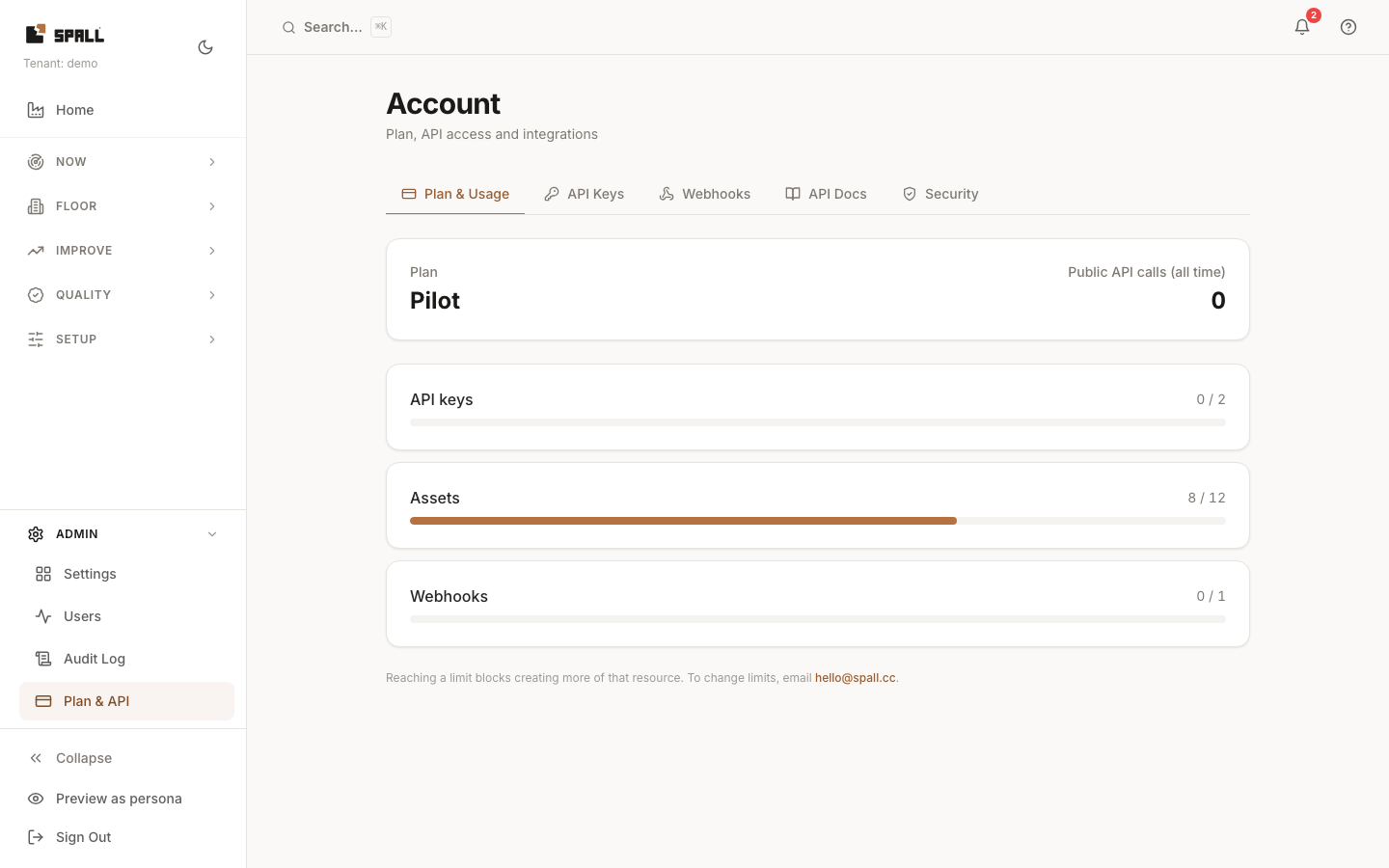
- Stay on the default Plan & Usage tab.
- Review billing/usage data (
GET /api/v1/billing/usage).
Notes
- The tabs on this page (Plan & Usage, API Keys, Webhooks, API Docs, Security) live on this one route, the tab you’re on is just client-side state. Notification preferences and the audit log now live on their own dedicated pages, see How to configure notification preferences and How to review the audit log.
- Your plan is Pilot or Subscription, shown with its limits and current usage. There’s no self-serve upgrade, to raise a limit, email the address shown on the page.