How to run an SPC control chart and Cpk study
Wiki: Quality concepts, SPC and Cpk
When to use this
You want to judge whether a process is in statistical control, using a specific telemetry metric as your input signal, and optionally have Spall watch that signal for you going forward.
Steps
- Click Capability under Quality (
/capability). - Pick a source and a metric from the two dropdowns at the top of the page. The source
dropdown lists your sources by name. The metric dropdown only lists continuous process
measurements on that source (boolean/state/counter tags are excluded, since SPC/Cpk can’t say
anything meaningful about those). Both default to a first pick so you can see a result
immediately, but the chart doesn’t run until you click Analyze.
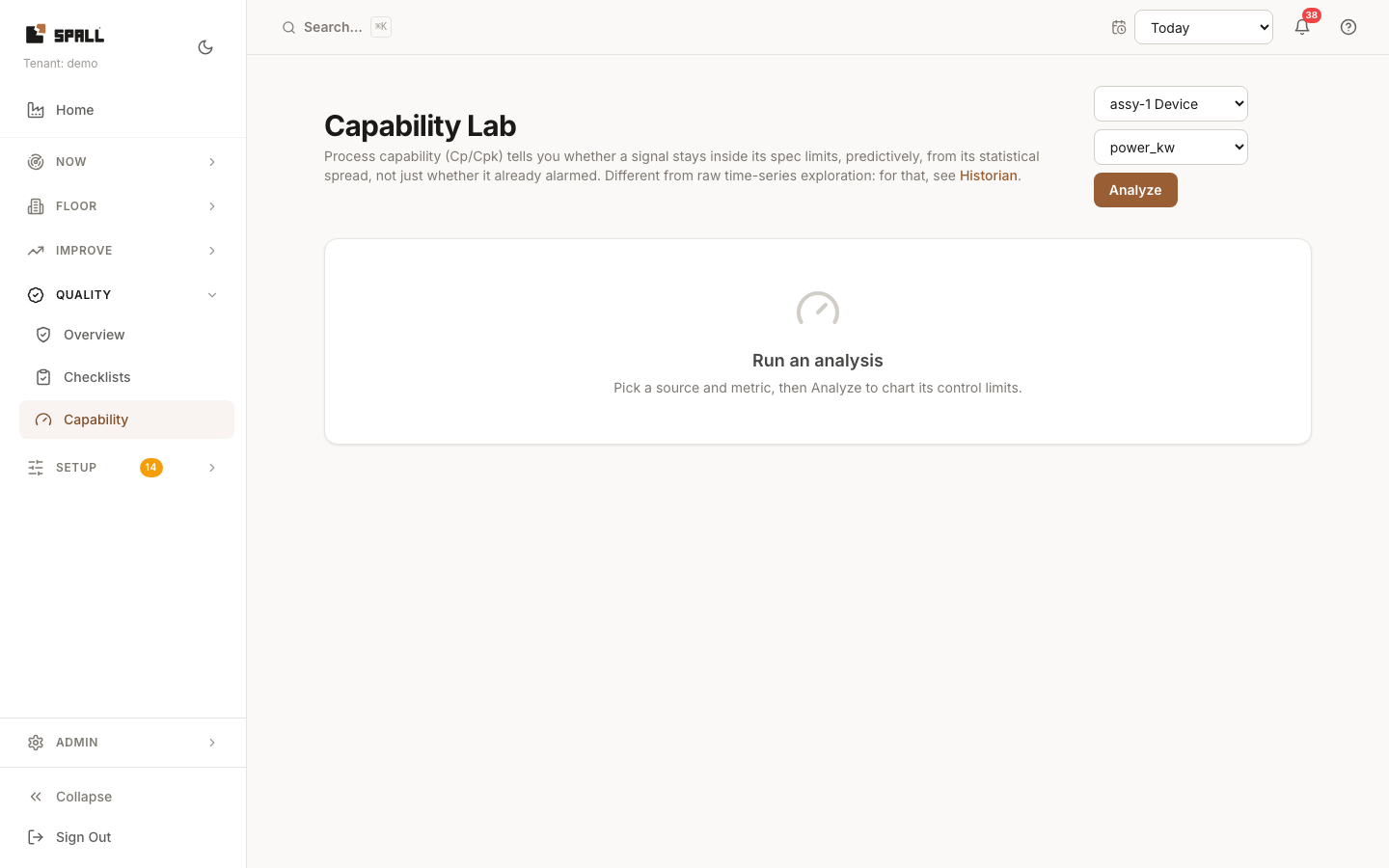
- Click Analyze.
- Review the resulting SPC control chart, with any rule violations flagged, and the Cpk stability score.
Setting spec limits (for Cpk and automatic checking)
Cpk needs an upper and a lower spec limit to mean anything. Once you’ve analyzed a signal, a Spec limits card appears with two fields, upper and lower. Enter both and click Save.
Saving both limits does two things:
- The Cpk score on this page (and every time you come back to it) is computed from them automatically, no need to retype them.
- Spall checks this signal on its own, roughly every fifteen minutes, whether or not anyone has the Capability page open. If Cpk drops below 1.0 (the process spread now exceeds the spec, expect scrap) or the signal goes out of statistical control, you get a notification, the same as any other alert. It fires once when the finding starts and once when it clears, not on every check while it stays true. Tapping the notification brings you straight back here with the signal already picked.
Clear either field and save to stop Spall checking a signal, no spec limits means no checking, and no notifications.
To have an out-of-control finding also open a repair-team work item (in addition to the notification), turn on Raise a work item when out of control below the spec-limits card.
Notes
- If a source has no continuous process measurements, the metric dropdown says so and stays disabled, pick a different source.
- Both spec limits are required for Cpk and for automatic checking, one alone isn’t enough.