How to manage tenant organizations (super_admin)
Wiki: Setup concepts, Tenants
When to use this
You operate multiple customer organizations on Spall and need to add or remove one without touching the database directly.
Steps
- As a super_admin with two-factor authentication set up, click Operations under Admin at the bottom of the sidebar,
then Tenants (
/ops/tenants) on the console’s own left rail. Both are hidden entirely for a plainadminrole, and a super_admin without two-factor set up sees only an enrollment screen here until they complete it.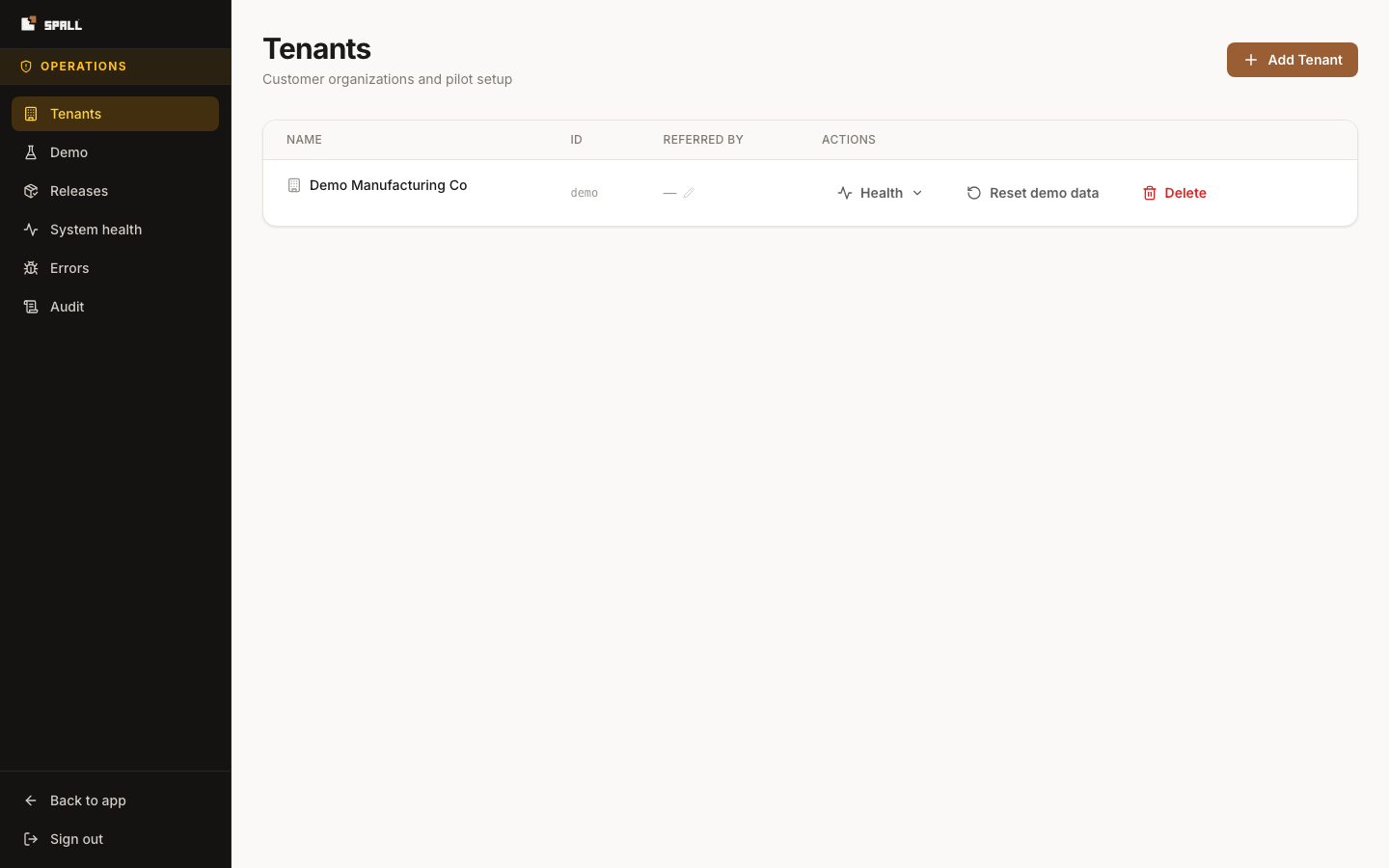
- Review the list: name, ID, and referral partner for every tenant.
- To add one, click Add Tenant and fill in the pilot setup checklist: a name and a slug (used as the
tenant’s ID), the plan, an optional email to invite as the new tenant’s admin, the data owner, a machine
template link, and a referral partner, then create (
POST /api/v1/tenants/). Every field beyond name and slug is optional and can be filled in later. - To remove one, click Delete, then type the tenant’s ID exactly to confirm before the Delete tenant button enables. This permanently removes the tenant and every user, gateway, and record it owns. There is no undo short of restoring from backup. The server refuses the request, and explains why in the dialog, for the tenant you’re currently signed in through, the demo tenant, or a tenant that still has an enrolled gateway. Retire the gateway first, then try again.
Notes
- In a single-tenant demo environment, seeing only one row here is expected, not an error state.
- A deleted tenant’s audit history isn’t erased. It still shows up on the Audit page, but no longer under that tenant’s filter, since the tenant itself is gone.