How to connect your AI assistant
Wiki: Account concepts, API keys
When to use this
You want Claude Desktop, Cursor, or Copilot to answer questions about your plant directly, using your own Spall data, instead of switching over to the app.
Steps
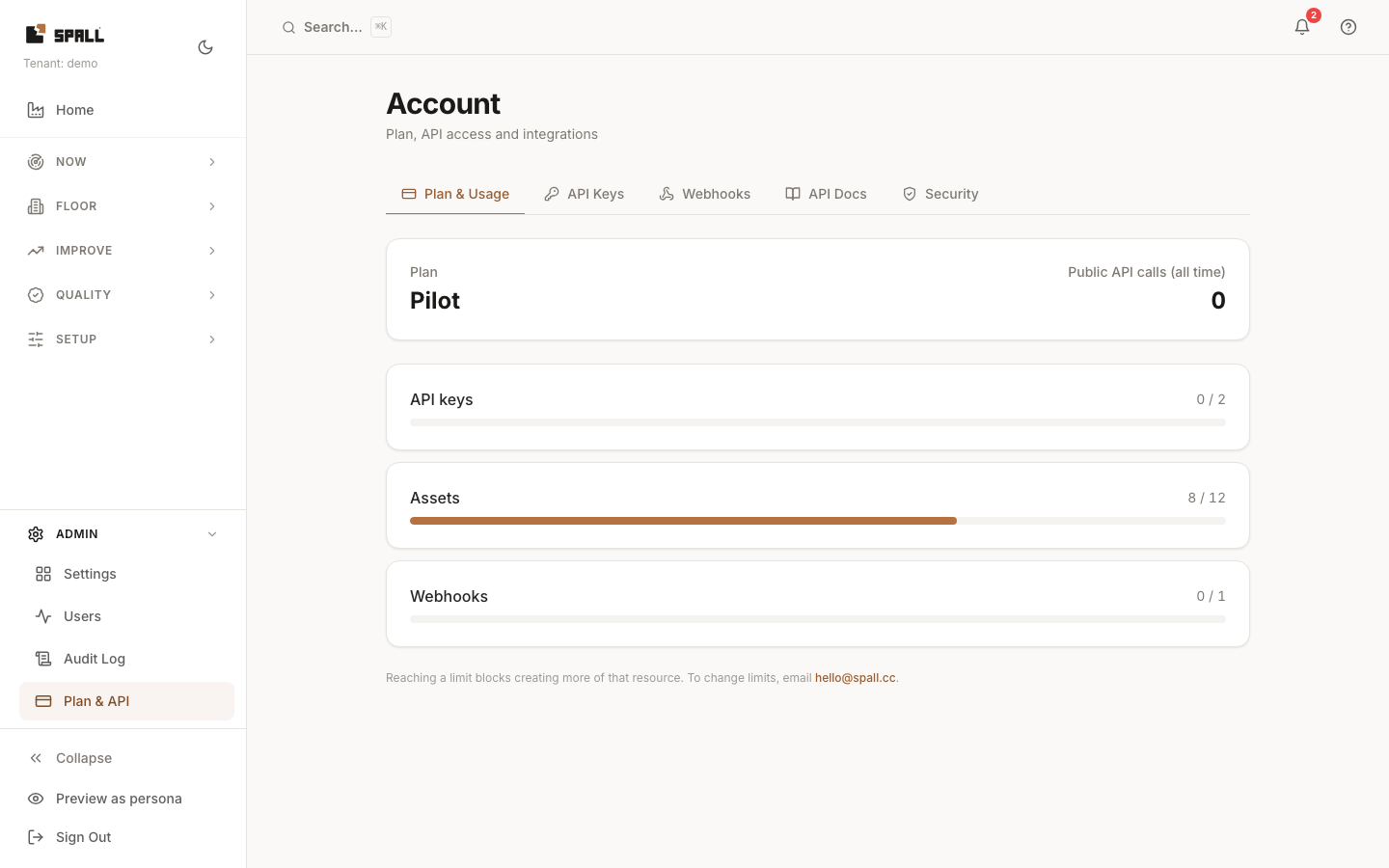
- Get a read-only API key first, see How to manage API keys and webhooks
if you don’t have one. Check the ask scope box when you create the key if you also want your
assistant to be able to ask the factory a plain-language question.
- Install the
@spall/mcppackage by adding it to your assistant’s configuration file. It runs withnpx, there’s no separate install step. - In Claude Desktop, add this to
claude_desktop_config.json:{ "mcpServers": { "spall": { "command": "npx", "args": ["-y", "@spall/mcp"], "env": { "SPALL_API_KEY": "your-read-only-key" } } } } - In Cursor, add the same shape to
.cursor/mcp.json. In VS Code Copilot, add it to.vscode/mcp.jsonunderserversinstead ofmcpServers. - Restart your assistant and ask it something about your plant, for example “which machine is losing us the most money this week.”
What your assistant can do
Your assistant can list machines, read OEE, downtime, quality, alerts, work orders, and maintenance tasks, pull the ranked list of dollar losses, check failure risk, see the verified savings ledger and learned insights, and read golden-run recipes. If the key has the ask scope, it can also ask your factory a question in plain language and get the same sourced answer the in-app Ask page gives.
Every answer names its basis, the rate source, a sample count, or “not enough history” when the data doesn’t cover it yet, so what your assistant tells you can be checked against the same data the app shows.
What it can’t do
Every tool your assistant gets is a read. None of them creates a rule, edits a work item, acknowledges an alert, or changes a setting on a machine. Connecting your assistant does not give it any way to write to your plant.
Notes
- Use a read-only key unless you specifically want the ask scope. Keys stay revocable from the API Keys tab at any time.
- Asking your factory a question through your assistant draws against the same daily question budget as the in-app Ask page. Once that’s spent for the day, your assistant gets a plain message saying so.