How to connect Excel via OData
Wiki: Account concepts, API keys and the Excel/OData feed
When to use this
A stakeholder who lives in Excel wants live Spall data pulled directly into a spreadsheet, without waiting for a scheduled report email.
Steps
- Get an API key first, see How to manage API keys and webhooks if you
don’t have one.
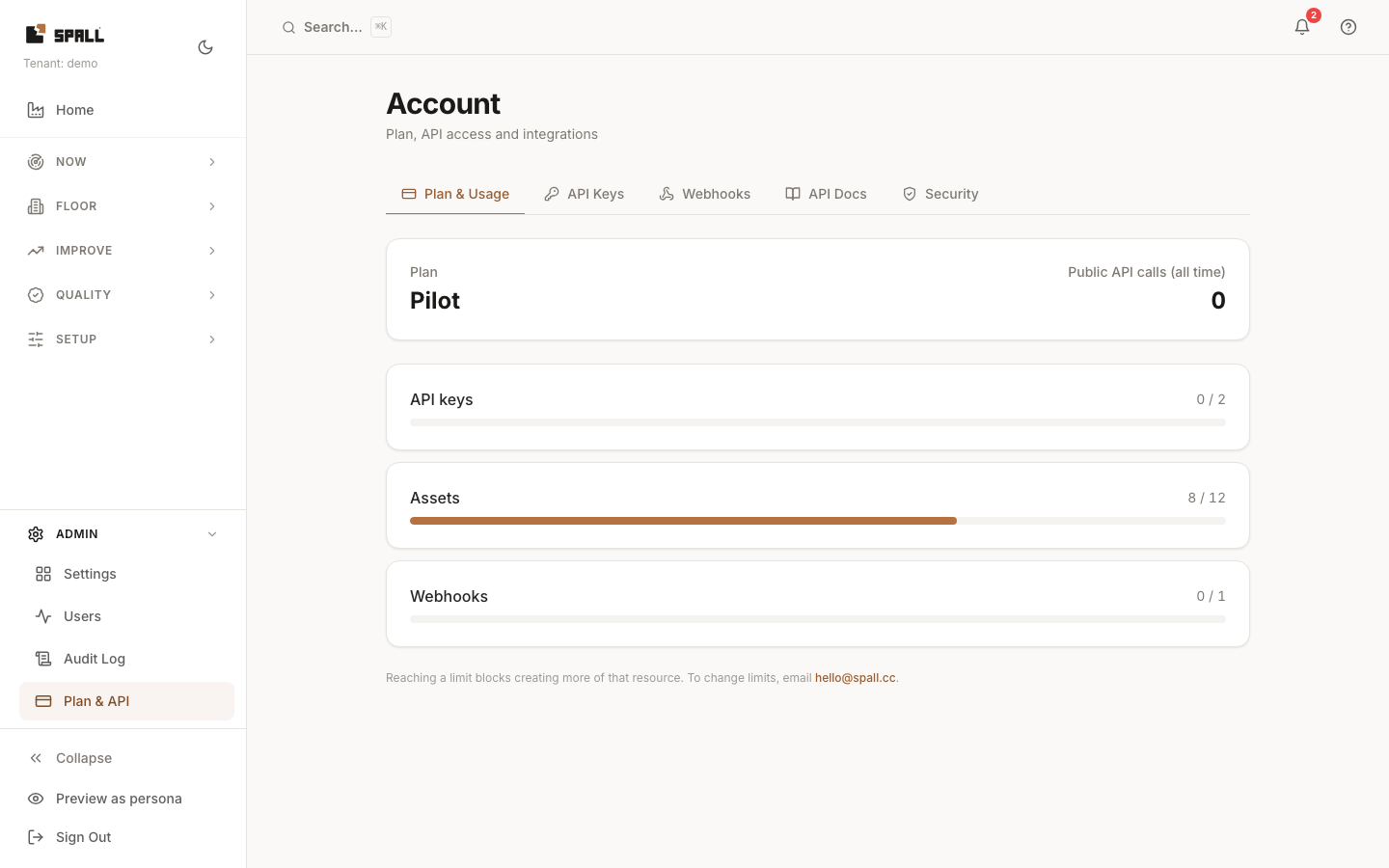
- On the Plan & API page, find the Live data in Excel (OData feed) section (in the API Docs tab).
- Copy the feed URL shown, in the form:
{your Spall origin}/api/public/odata/?api_key=YOUR_KEY - In Excel: Data → Get Data → From OData Feed, then paste that URL.
- Excel connects and lets you pull Spall entity sets directly into a sheet, refreshable like any other OData source.
Notes
- The
?api_key=query-parameter form is a deliberate exception, used only by this feed: every other Spall API surface expects the key in anAuthorizationheader. Excel’s “From OData Feed” connector has no way to attach a custom header, so the OData routes accept the key as a query param as a fallback. - This feed is read-only and scoped to the same tenant/permissions as the key itself.
- Multi-page results work end to end: Excel follows the continuation link automatically, and it carries the same key forward, so a large pull is not limited to the first page.