How to review the audit log
Wiki: Admin concepts, Audit log
When to use this
You want to see who did what on the tenant recently, by people and API keys alike, for accountability review.
Steps
- Click Audit Log under Admin at the bottom of the sidebar (
/audit), right after Users. This is an admin-only screen, a lower role sees “Admin access required” instead of the log.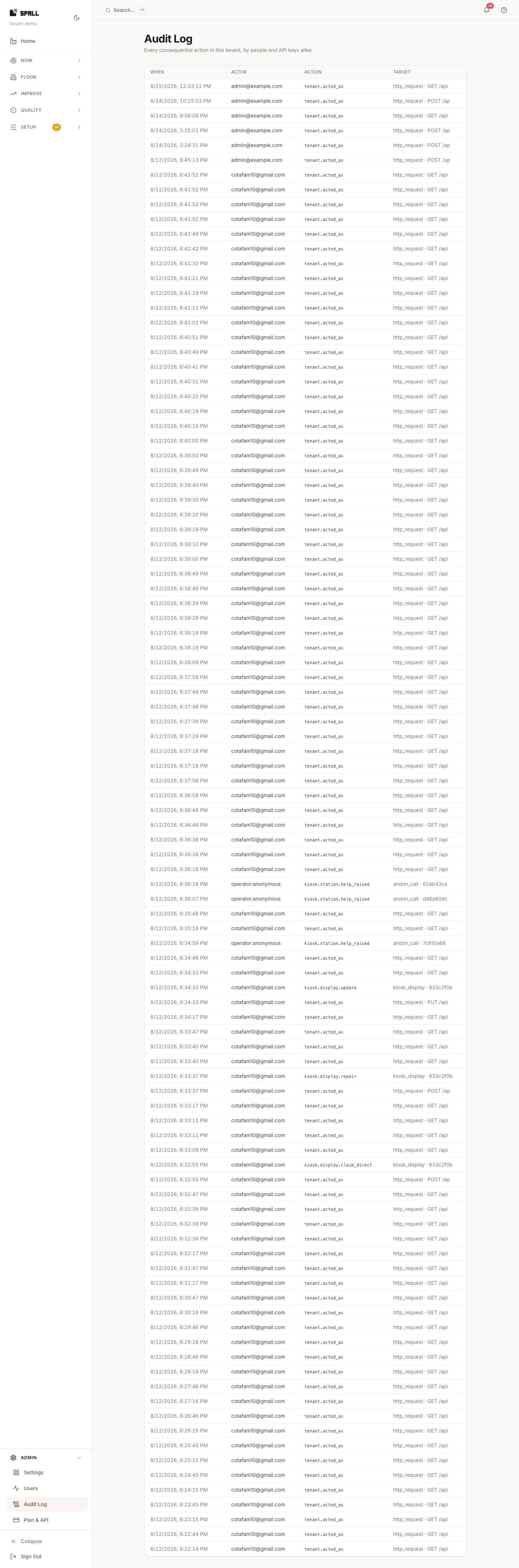
- Review recent entries: what happened, when, and who (or what) did it.
- Each entry shows the acting user’s email, or an API key’s identity for a key-driven action, or an em-dash when the actor can’t be attributed, instead of a made-up name.
Notes
- Audit Log is an Admin-group destination next to Users because it is governance, not billing.