How to sign in to Spall
Wiki: Setup concepts
When to use this
You’re the first user on a brand-new tenant, or any returning user starting a session.
Steps
- Navigate to any URL in the app while unauthenticated, you’re redirected to
/login, or you can go there directly.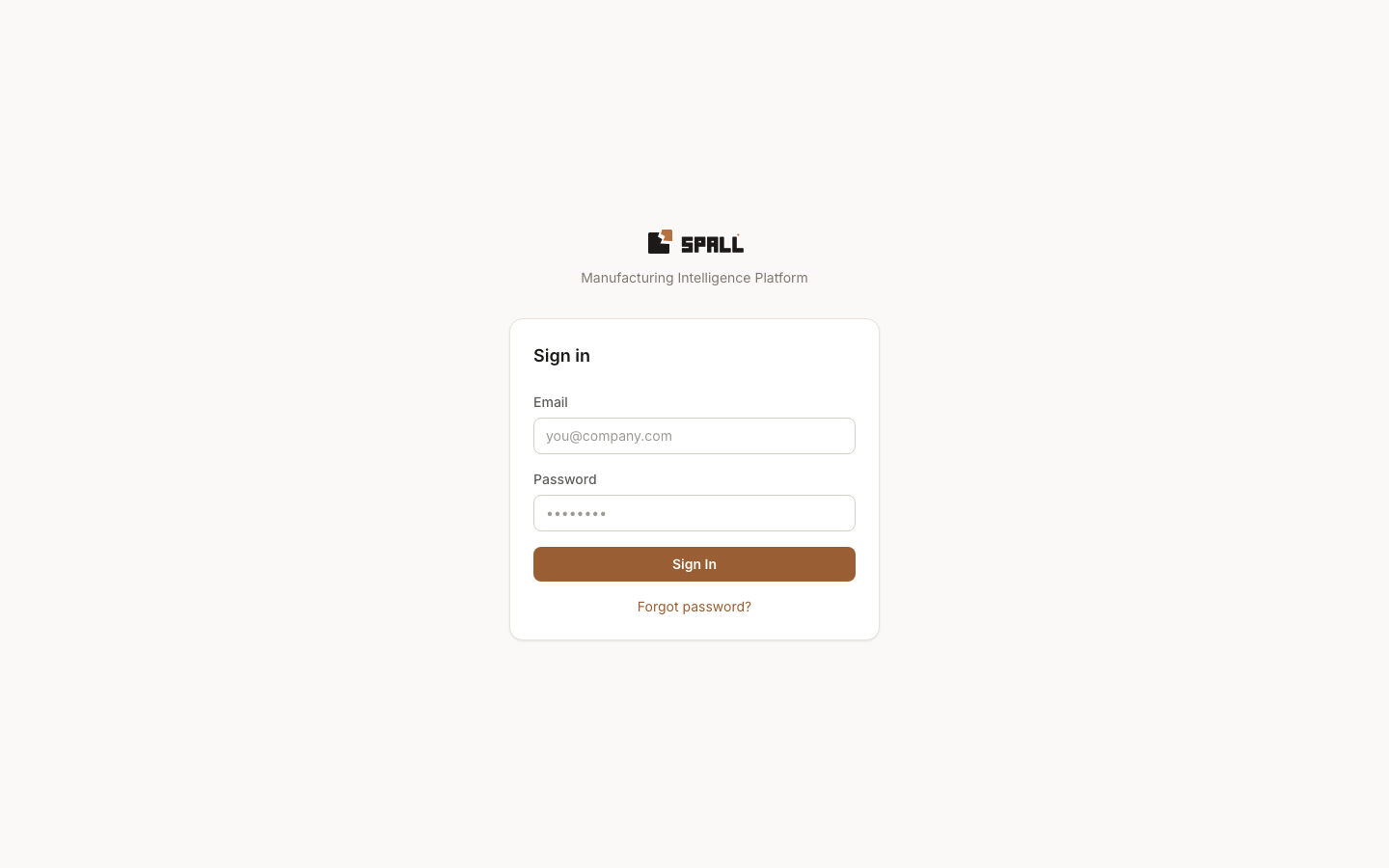
- Enter your email and password.
- Submit, this posts to
/api/v1/auth/login(form-encoded). A throttled account shows a live countdown (“try again in Ns”) instead of a vague error, and a wrong password never redirects you anywhere, the form stays put with the error shown in place. - If your account has two factor authentication set up, you land on a second step instead of Home.
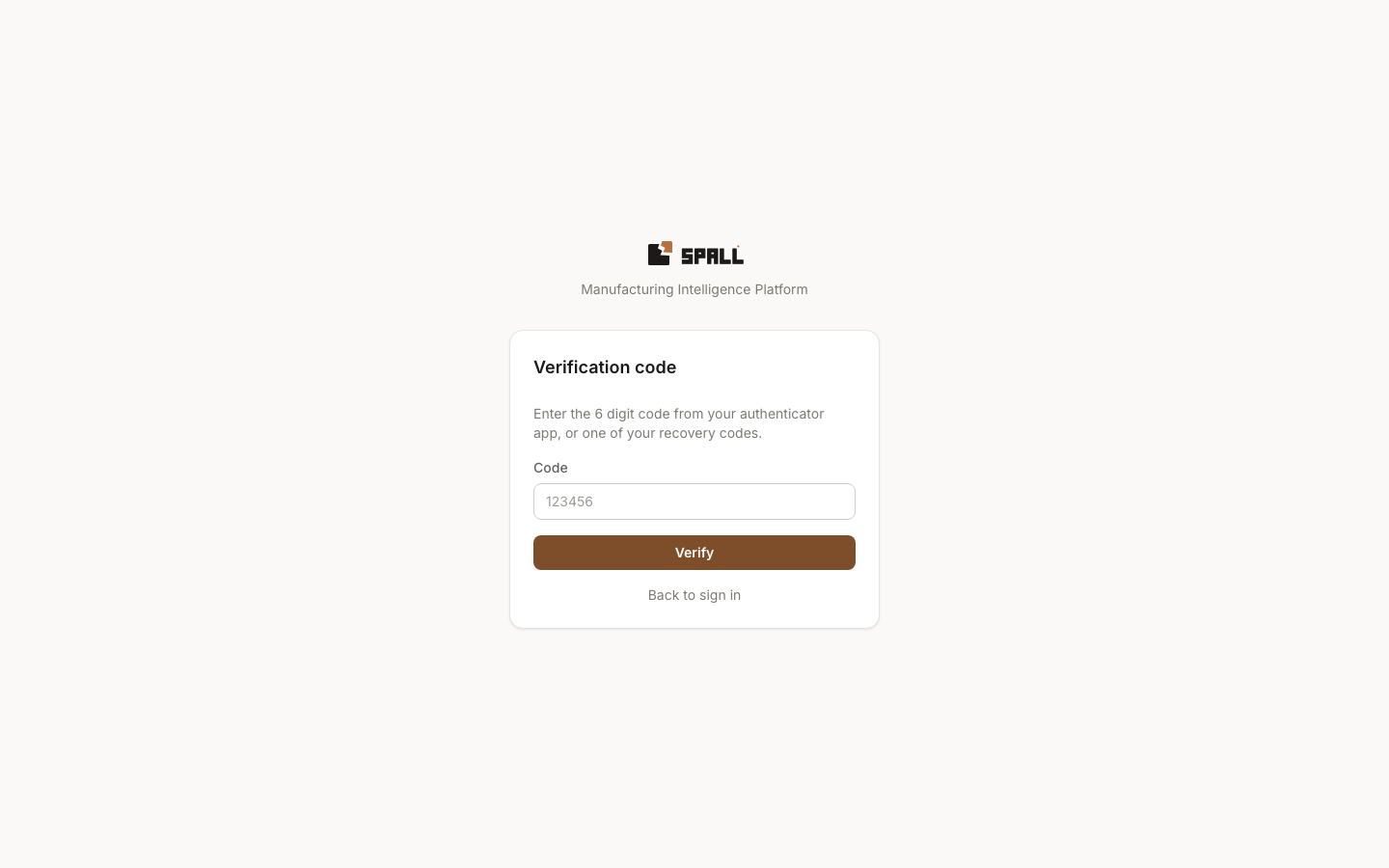 Enter the current six digit code from your authenticator app, or one of your recovery codes, and submit.
See How to set up two factor authentication for enrollment and
what to do if you lose access to both your app and your recovery codes.
Enter the current six digit code from your authenticator app, or one of your recovery codes, and submit.
See How to set up two factor authentication for enrollment and
what to do if you lose access to both your app and your recovery codes. - On success, you return to the protected page you opened, including its selected scope and time range. If there is no return page, you open the first Home destination available to your persona, then Home when no persona destination is available.
- Forgot your password? Use the Forgot password link on the login page. No support ticket is needed. An admin’s invite email lands you on a similar one-time accept-invite link instead of a normal login.
Notes
- Your role (
viewer,user,admin, orsuper_admin) is fetched right after login and determines which nav items and mutating controls you see throughout the app, see How to manage users and groups for how roles are assigned. - A viewer can open every screen their role allows and read everything on it: alerts, work items, opportunities, the maintenance queue, kiosk boards, and so on. What a viewer cannot do is change anything, every button that would acknowledge an alert, dismiss an insight, open an incident, log a note, create a work item or maintenance task, complete a preventive task, or build and edit a kiosk board still shows up on screen, it just stays disabled with a short note explaining the access it needs. Nothing is ever hidden outright, so a viewer always sees what exists, just not a live control that would fail with an error if clicked.
- Kiosk wallboards (
/kiosk/:slug) and claimed stations are a separate, login-free access model, a floor TV or tablet never needs a human account. See How to run a claimed station and How to build a kiosk wallboard.